Aurora UI
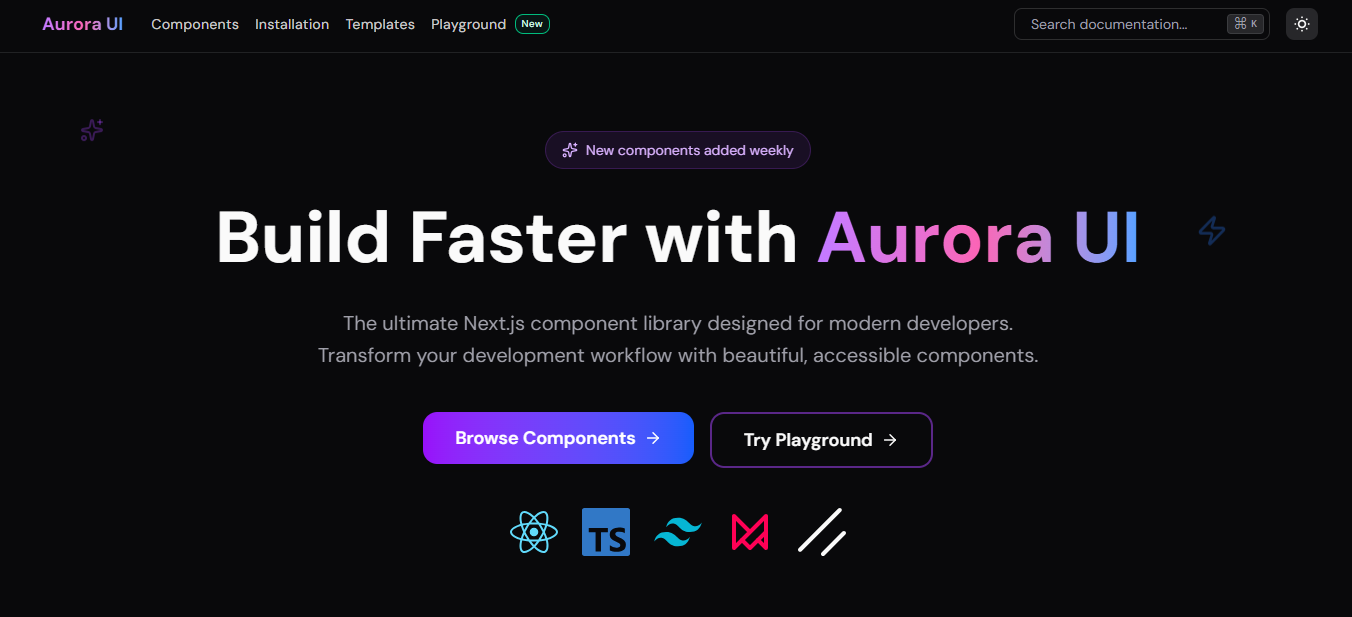
Reusable animated components, source registries, and an AI-assisted React playground.
Overview
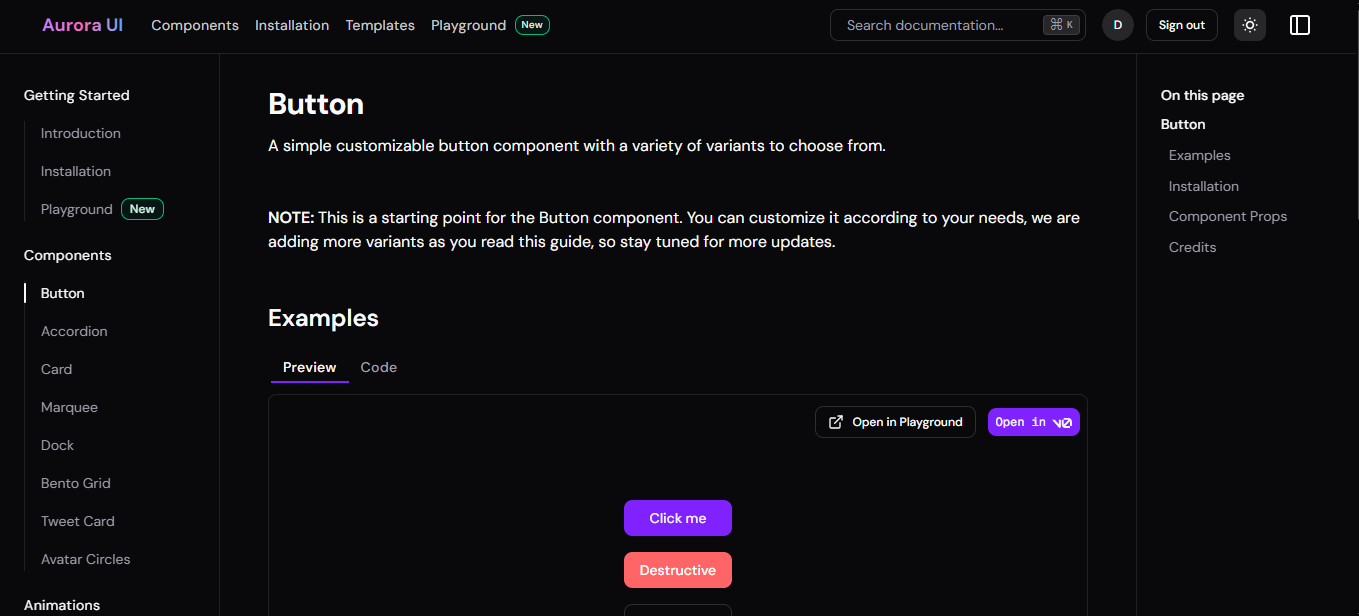
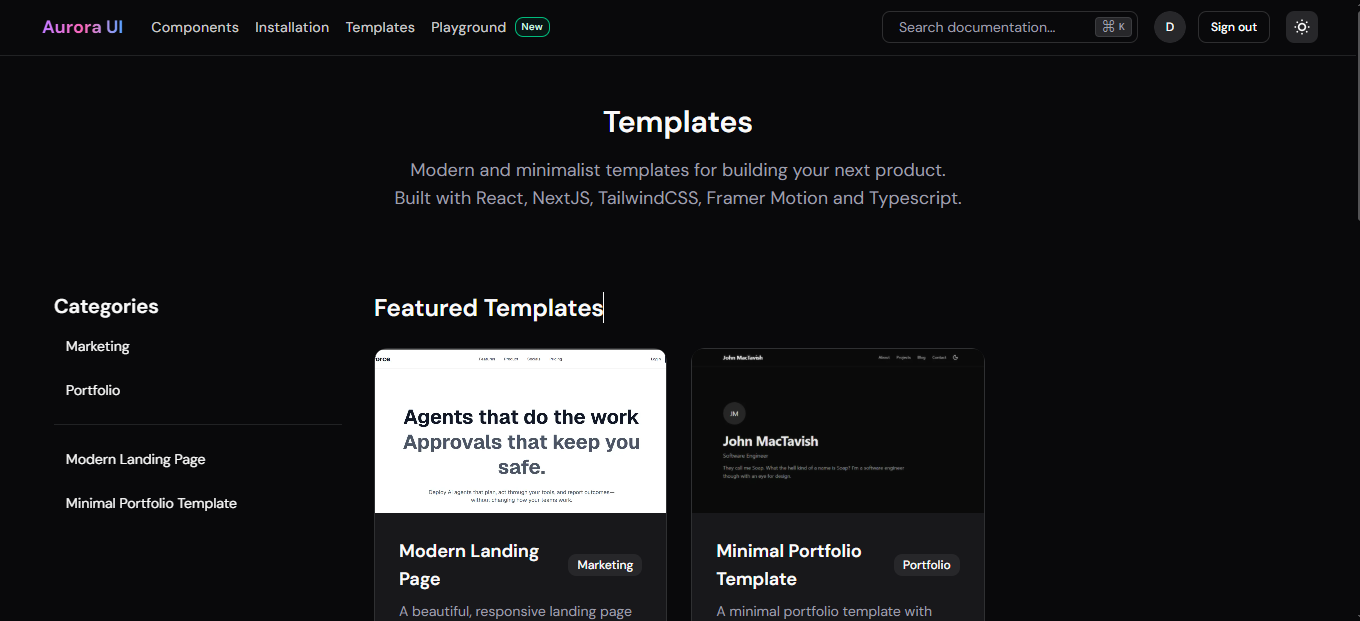
A developer-facing component platform that brings live demonstrations, highlighted source, templates, and editable previews together. Component registries describe the files and dependencies needed to reuse each example.
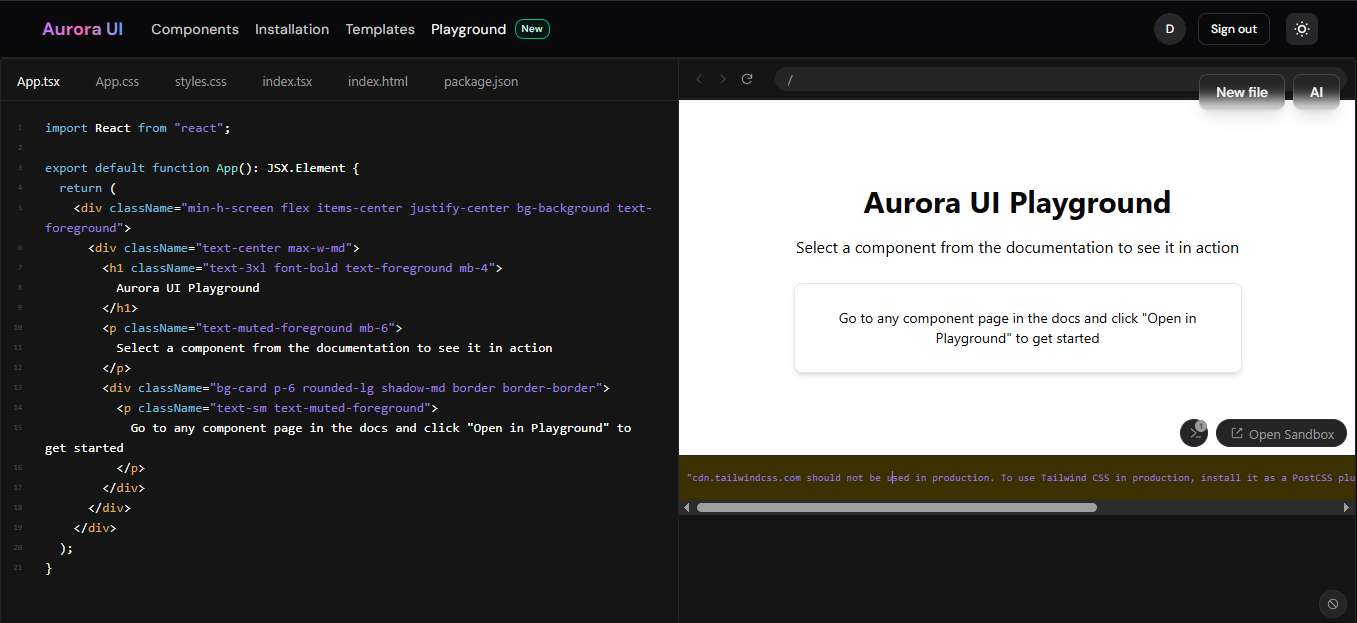
Next.js renders documentation and serves registry exports from checked-in source. Sandpack runs editable React previews, while a Gemini endpoint supports generating, transforming, explaining, and fixing code. NextAuth and Prisma manage account and verification data in PostgreSQL.
Key features
- Animated component demonstrations with highlighted source code
- Component and template registries for source distribution
- Sandpack playground with editable React previews
- Gemini-powered generation, explanations, transformations, and fixes
- Google and password authentication with email verification
Tech stack
Product walkthrough
Architectural Diagram

Arrows show direction. Dashed connections indicate conditional or supporting paths.
Read diagram as text
- Developer browser
- React · Tailwind CSS · Radix · Motion
- Documentation & registry
- Next.js App Router · Shiki · MDX support
- Component source
- Checked-in TSX · demos · JSON templates
- Editable preview
- Sandpack · React / TypeScript files
- Account services
- NextAuth · Google / credentials · email
- Registry consumers
- Source endpoints · installer / v0 exports
- AI code assistance
- Next.js API → Gemini 2.5 Flash
- Identity records
- Prisma 6 · PostgreSQL
Connections
- Developer browser → Documentation & registry: browse.
- Documentation & registry → Component source: read source.
- Documentation & registry → Editable preview: load example.
- Documentation & registry → Account services: account actions.
- Component source → Registry consumers: registry JSON.
- Editable preview → AI code assistance: prompt + code.
- Account services → Identity records: adapter.
- Components and templates are source-controlled files, not database content records.
- Registry-serving code is in this repository. The separately advertised CLI executable is not part of this checkout.
Workflow Diagram

Arrows show direction. Dashed connections indicate conditional or supporting paths.
Read diagram as text
- Find a component
- Browse docs, examples, or templates
- Inspect the implementation
- Live demo · highlighted code · dependencies
- Choose a next step
- Reuse the source or experiment first
- Get source & dependencies
- Registry JSON / component-file endpoint
- Open the playground
- Edit the example in Sandpack
- Integrate into a project
- Add source and required packages
- Iterate with AI
- Generate, transform, explain, fix, or theme
Connections
- Find a component → Inspect the implementation: open example.
- Inspect the implementation → Choose a next step: understand code.
- Choose a next step → Get source & dependencies: reuse.
- Choose a next step → Open the playground: experiment.
- Get source & dependencies → Integrate into a project: consume registry.
- Open the playground → Iterate with AI: send a prompt.
- The site also offers reusable templates as checked-in registry manifests.
- Accounts and email verification use NextAuth and Prisma; component files remain source-controlled.
Feature Deep Dive: AI Playground

Arrows show direction. Dashed connections indicate conditional or supporting paths.
Read diagram as text
- Choose an AI action
- Prompt + files + selection / errors
- POST /api/ai
- Use supplied key or server GEMINI_API_KEY
- Generate with Gemini
- Action-specific prompt · React-only output
- Parse the response
- Strip code fences · attempt JSON parse
- File changes
- Merge returned files into Sandpack state
- Explanation or error
- Display text / API failure in the UI
- Inspect the result
- Editable code + running browser preview
Connections
- Choose an AI action → POST /api/ai: submit action.
- POST /api/ai → Generate with Gemini: prompt + context.
- Generate with Gemini → Parse the response: response text.
- Parse the response → File changes: files object.
- Parse the response → Explanation or error: text / failure (conditional or supporting).
- File changes → Inspect the result: update preview.
- Generated files use ordinary React rather than Next.js server/router APIs, matching the Sandpack runtime.
- Malformed JSON has a text fallback. The diagram does not imply strict schema validation, an automated test runner, or automatic deployment.