DevConnect
A developer social network for profiles, connections, posts, jobs, and real-time conversations.
Overview
A full-stack social platform where developers discover each other, build professional profiles, share posts, connect, and apply for opportunities. Messaging and notifications support conversations around connections and job applications.
A React/Vite frontend organizes data through Redux Toolkit and Axios services. Express routes and controllers manage MongoDB records through Mongoose. Socket.IO shares the Node HTTP server, with Redis supporting presence and cross-instance event distribution. Custom JWT authentication and GitHub OAuth handle identity.
Key features
- Developer profiles, search, and connection requests
- Feed posts, reactions, comments, and notifications
- Job listings and application workflows
- Real-time chat, presence, typing, and message status
- GitHub OAuth and profile/repository integration
- Image and document uploads with Cloudinary or local storage
Tech stack
Product walkthrough
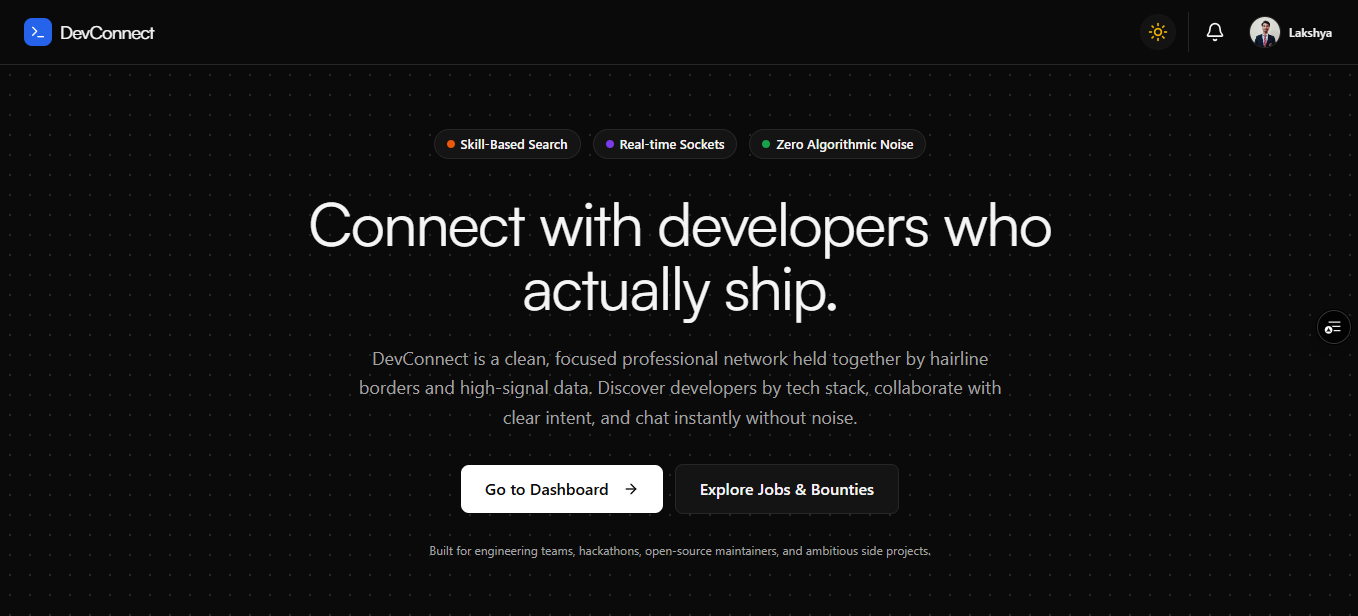
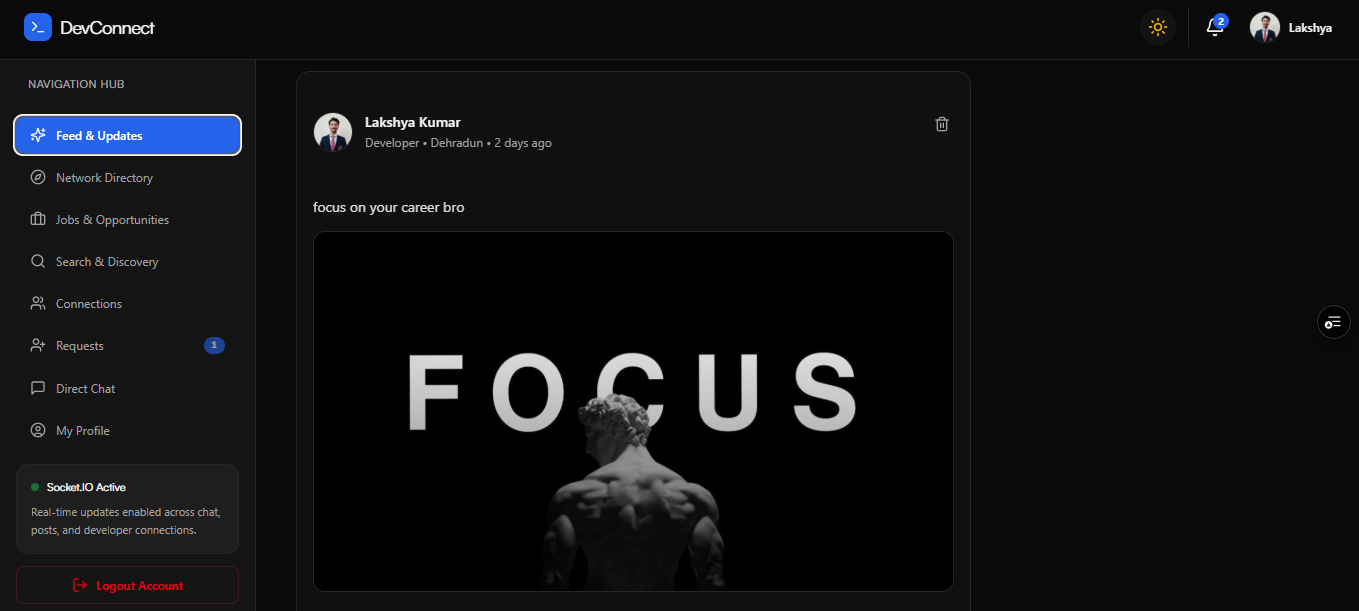
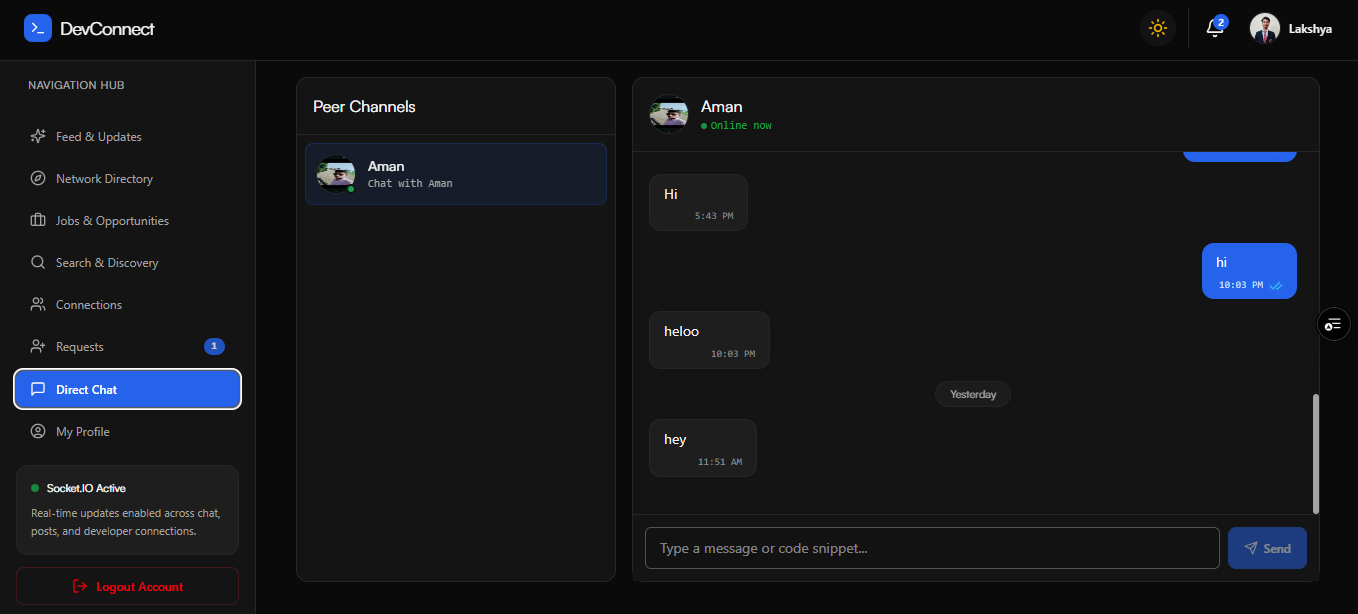
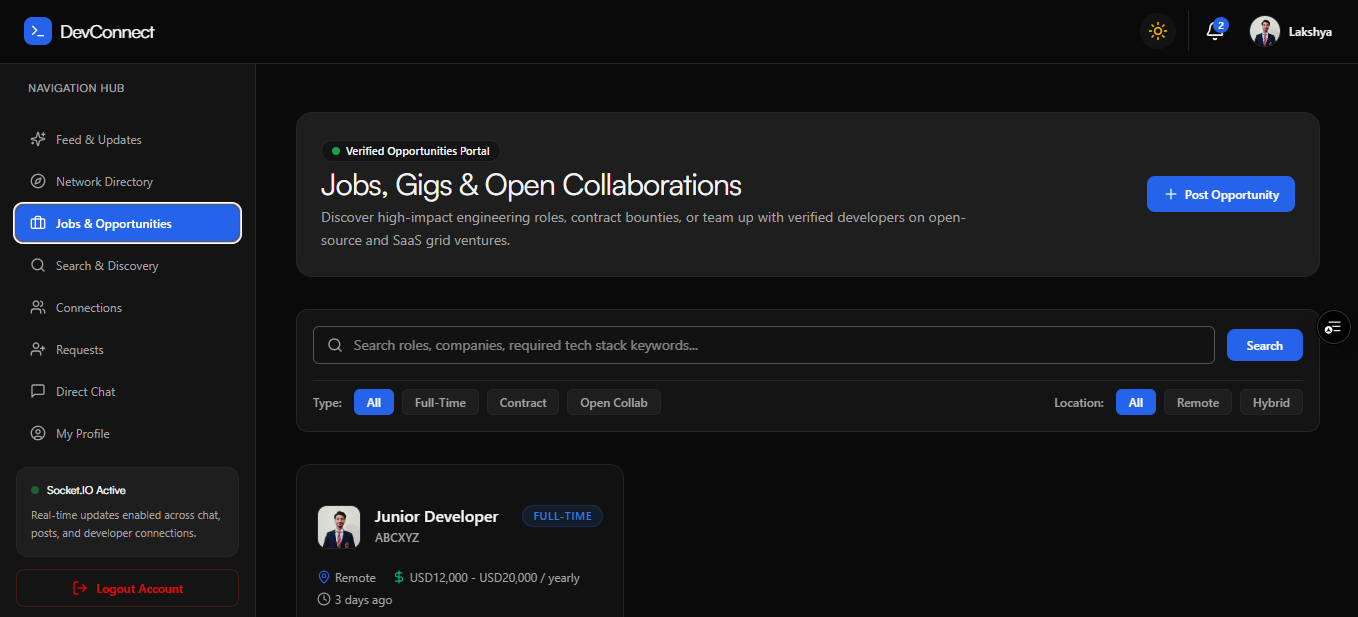
Architectural Diagram

Arrows show direction. Dashed connections indicate conditional or supporting paths.
Read diagram as text
- Browser application
- React · Vite · Redux Toolkit · Tailwind
- REST API
- Express · controllers · JWT middleware
- Real-time transport
- Socket.IO · chat and presence events
- Product records
- MongoDB · Mongoose models
- Uploads & email
- Multer · Cloudinary / local · Nodemailer
- Live coordination
- ioredis · Socket.IO Redis adapter
- GitHub integration
- Custom OAuth · profile / repository API
Connections
- Browser application → REST API: Axios + token.
- Browser application → Real-time transport: socket events.
- REST API → Product records: read / write.
- REST API → Uploads & email: files / email.
- Real-time transport → Product records: chat writes.
- Real-time transport → Live coordination: presence / fanout.
- REST API → GitHub integration: OAuth.
- Express and Socket.IO share one Node HTTP server. REST JWT middleware and socket identity are separate implementation paths.
- The active authentication flow uses custom JWT and GitHub OAuth; uploads can use Cloudinary or local storage.
Workflow Diagram

Arrows show direction. Dashed connections indicate conditional or supporting paths.
Read diagram as text
- Register or sign in
- Email / password or GitHub OAuth
- Build a profile
- Skills · bio · avatar · GitHub details
- Explore the network
- Search developers, posts, and jobs
- Connect with developers
- Send, accept, or reject requests
- Share and discuss
- Publish posts · react · comment
- Find an opportunity
- Post jobs · apply · review applications
- Continue the conversation
- Messaging · presence · notifications
Connections
- Register or sign in → Build a profile: session ready.
- Build a profile → Explore the network: browse.
- Explore the network → Connect with developers: people.
- Explore the network → Share and discuss: feed.
- Explore the network → Find an opportunity: opportunities.
- Connect with developers → Continue the conversation: accepted connection.
- Find an opportunity → Continue the conversation: job relationship.
- Feed activity and job applications are persisted through REST controllers; live events update the interface.
- Messaging eligibility checks include accepted connections, existing chats, and applicable job relationships.
Feature Deep Dive: Messaging Lifecycle

Arrows show direction. Dashed connections indicate conditional or supporting paths.
Read diagram as text
- Compose a message
- React chat UI · temporary client message ID
- Receive send_message
- Socket.IO handler · supplied participants
- Relationship allowed?
- Existing chat, connection, or job relation
- Return message_error
- Do not save or emit the message
- Save the message
- Mongoose Chat · sent / delivered status
- Acknowledge the sender
- message_sent · map temporary ID
- Notify the recipient
- receive_message + stored notification
- Update read status
- Persist read state · emit messages_read
Connections
- Compose a message → Receive send_message: send event.
- Receive send_message → Relationship allowed?: check participants.
- Relationship allowed? → Return message_error: no (conditional or supporting).
- Relationship allowed? → Save the message: yes.
- Save the message → Acknowledge the sender: acknowledge.
- Save the message → Notify the recipient: emit to user room.
- Notify the recipient → Update read status: open / read chat.
- Redis supports cross-instance event distribution; the implementation also consults a local presence map for initial delivery status.
- Messages are embedded in Chat documents. REST history reads and socket read events update persisted message status.